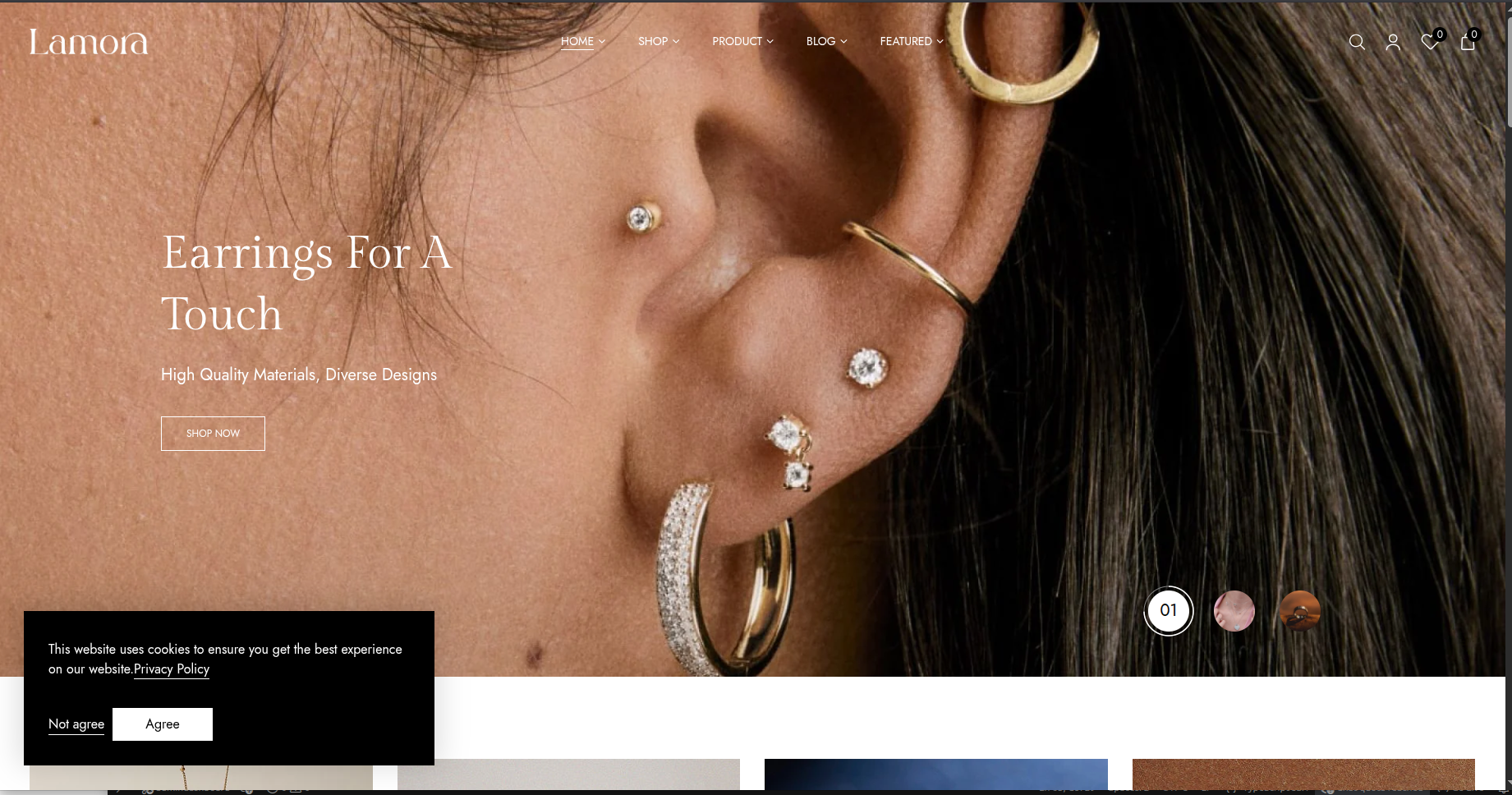
Storefront preview
Lumiere
JewelleryDark luxury framing with warm gold accents for premium collections.
Best for high-ticket collections and premium storytelling.
Similar to:


Octopus themes are curated for jewellery, optical, and FMCG stores. Compare styles quickly, open the live storefront when you want a closer look, and continue to pricing with your theme already chosen.
Dark luxury framing with warm gold accents for premium collections.
Best for high-ticket collections and premium storytelling.
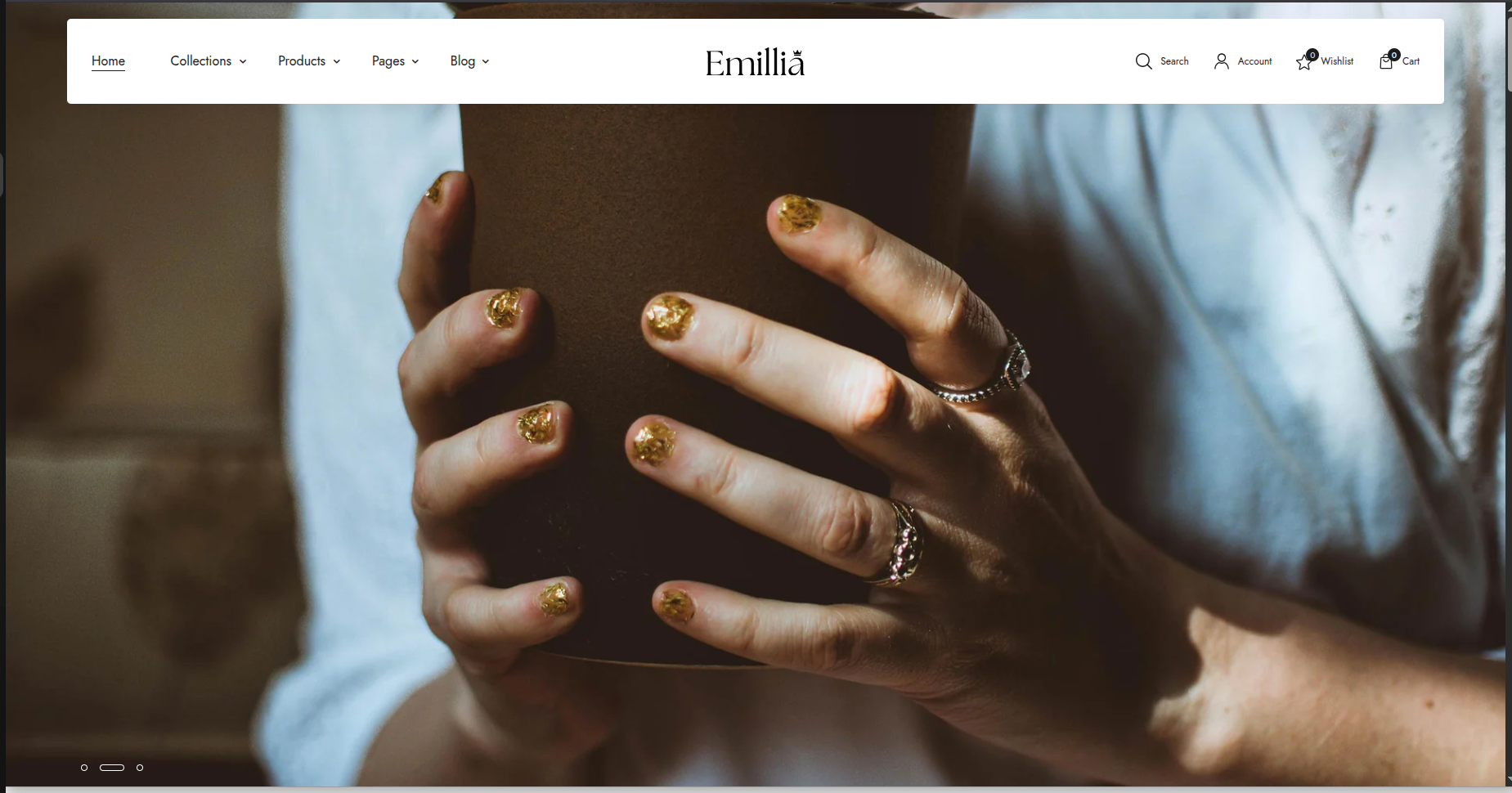
A richer editorial layout with softer contrast and boutique depth.
Best for boutique assortments and more editorial merchandising.

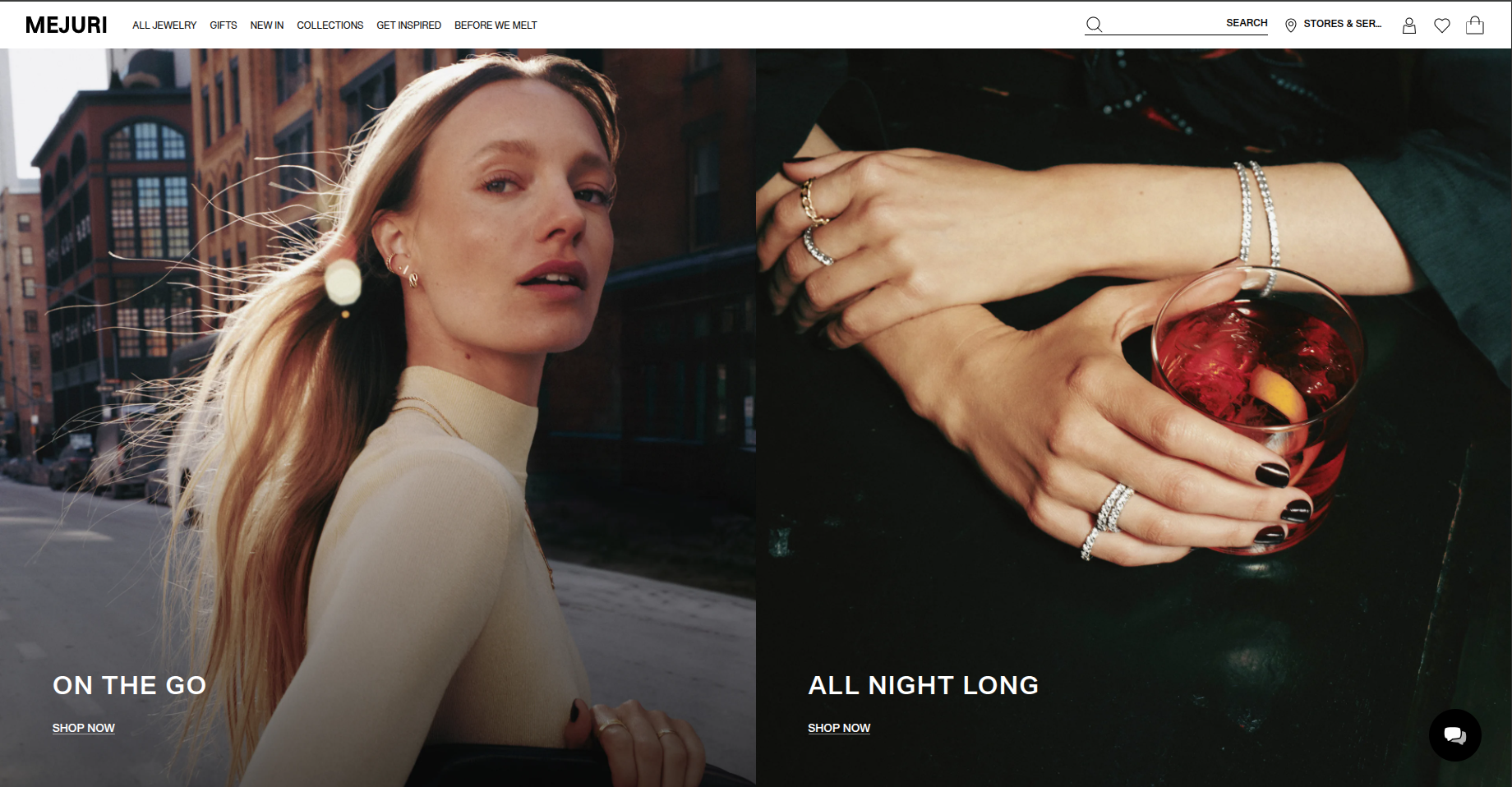
Clean and bright, with an understated catalogue-first feel.
Best for clean browsing and everyday luxury presentation.
Check scale and contrast on our packaging before you print.
Add Your Logo
Tap a category to swap the mockups below.
We will map your supplier flow, storefront launch process, and operational gaps, then show exactly how Octopus fits into that workflow.